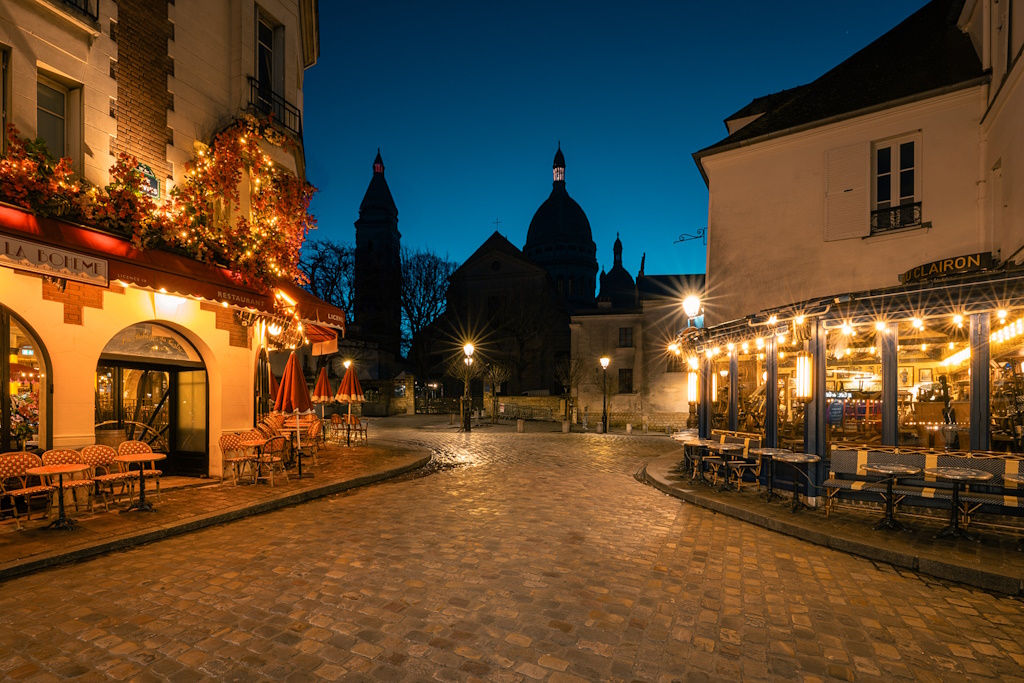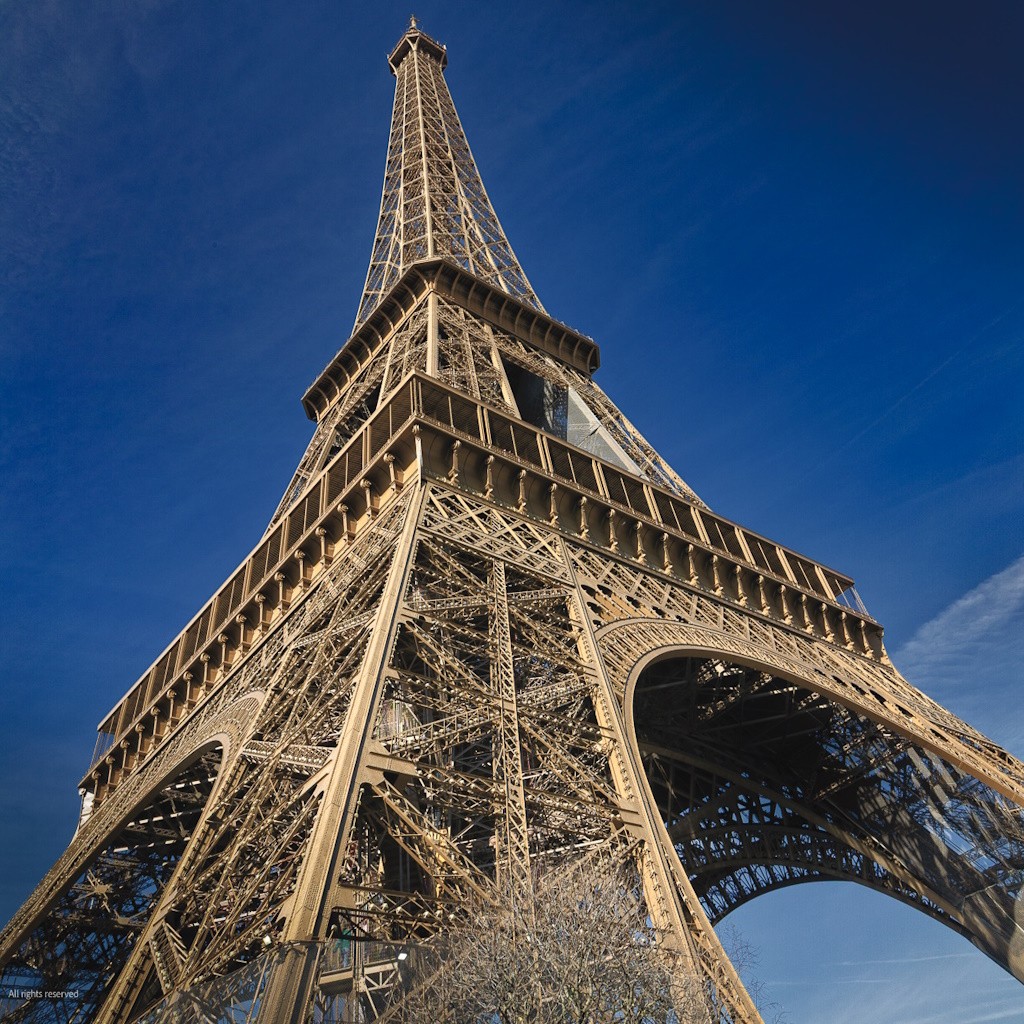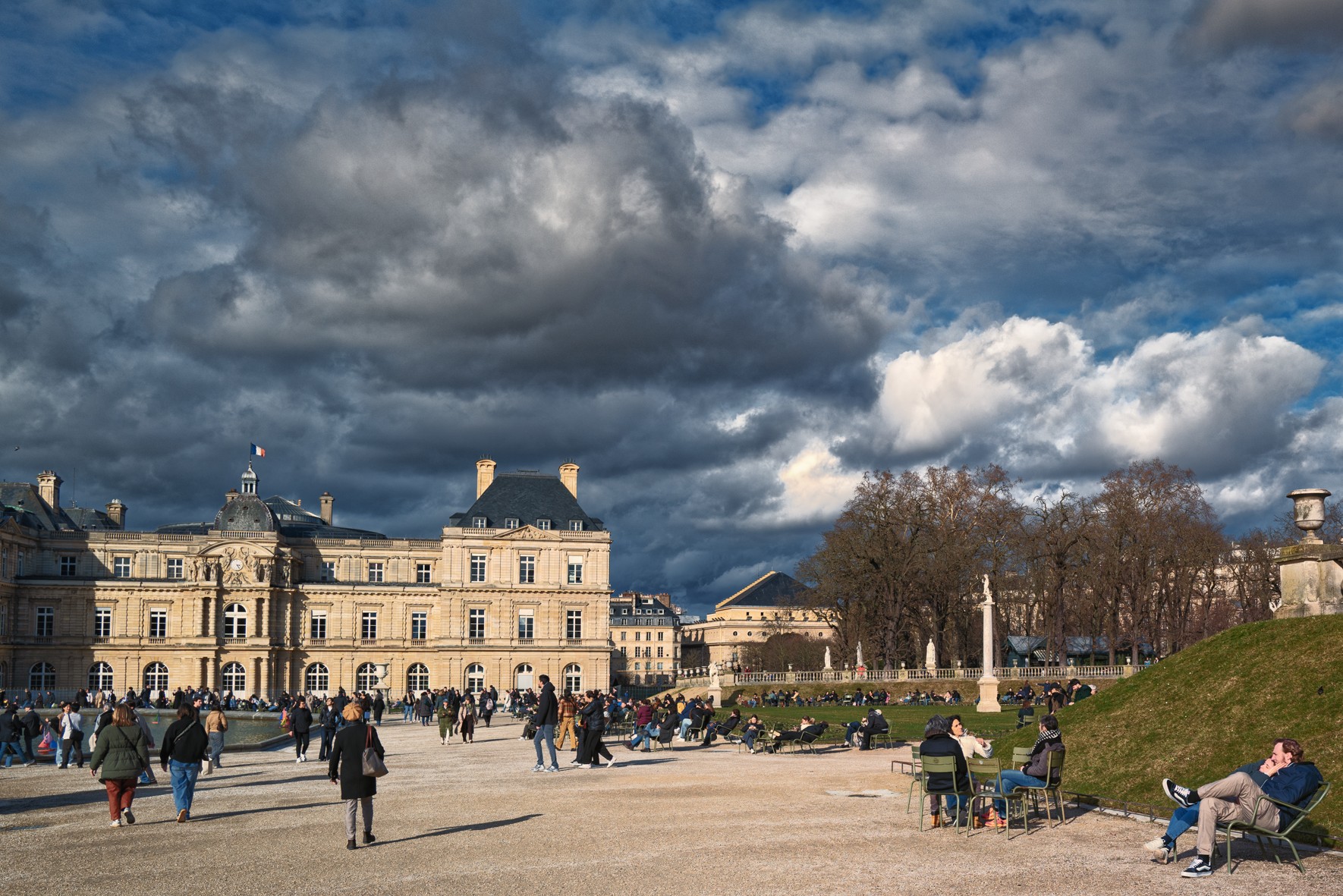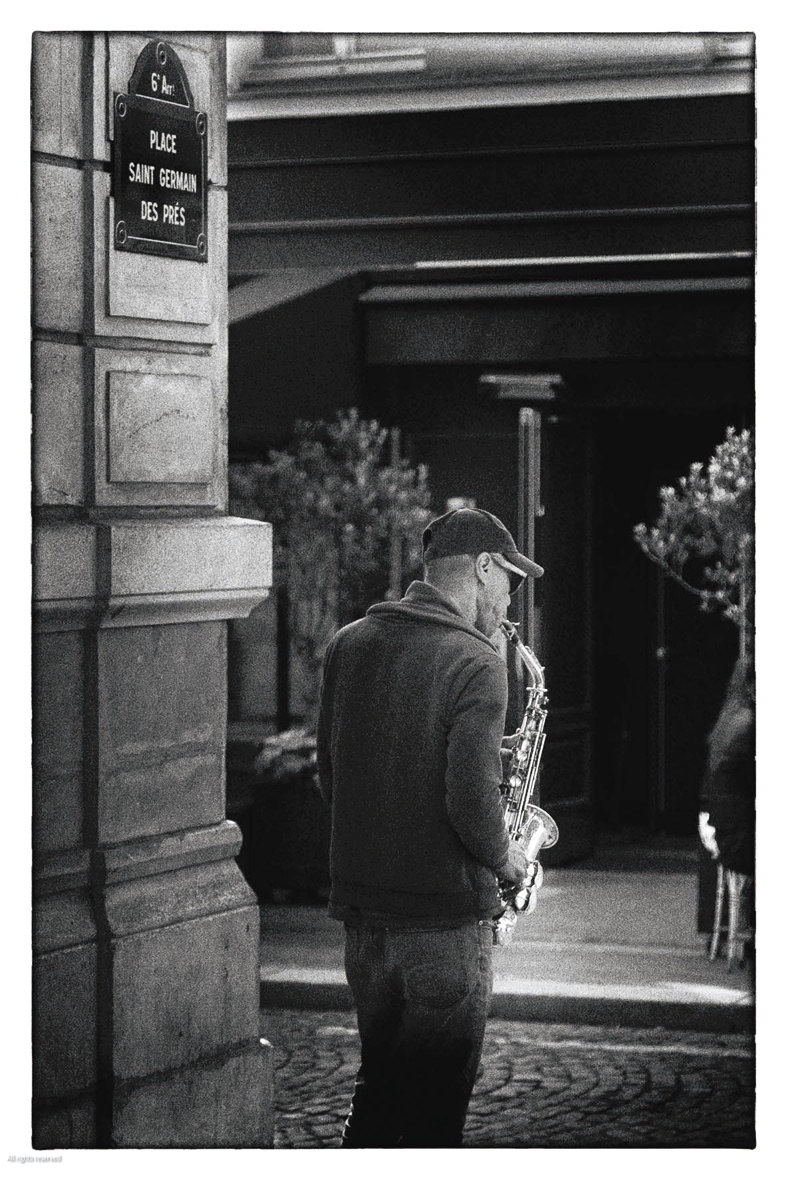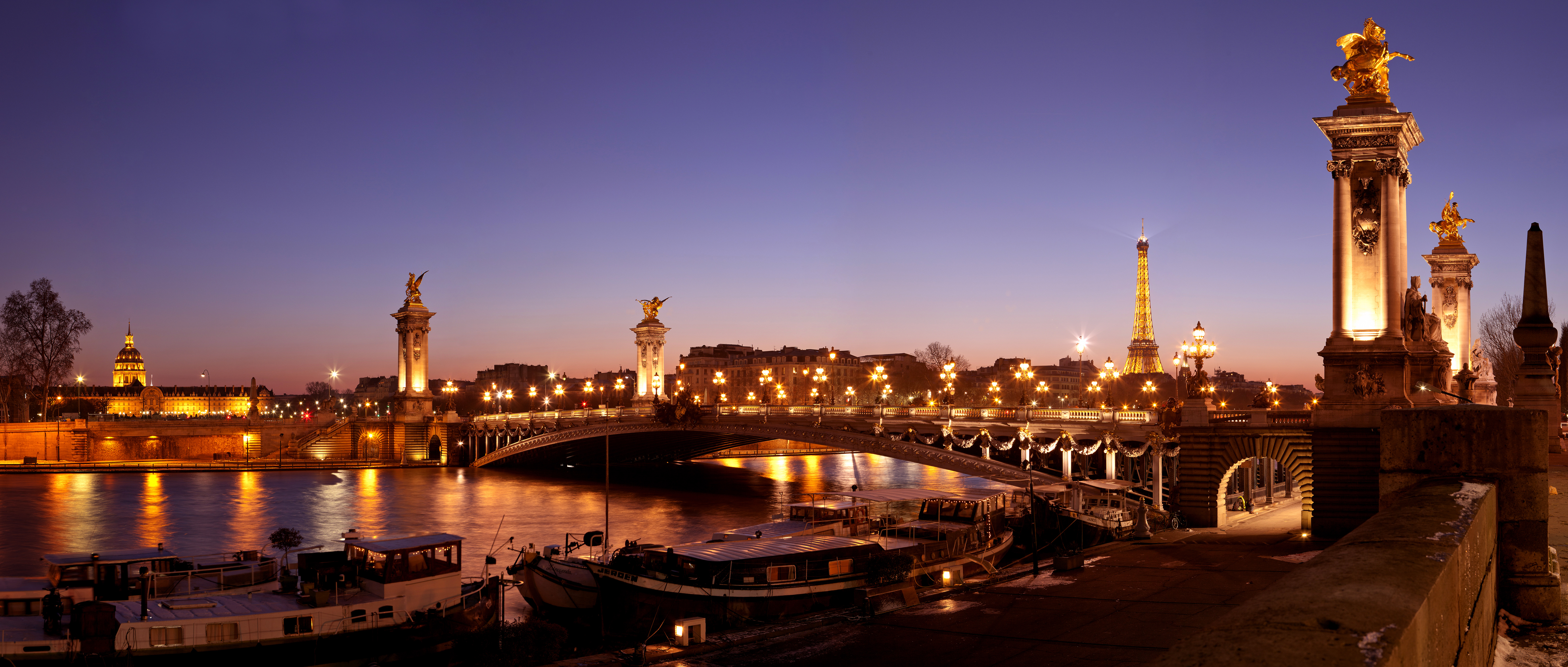
HD digital photos are very flexible to use. You can choose from a variety of options for presenting, editing, printing or sharing them. Here are some of the best ways to make the most of it from the HD photos of Paris you’ll find on our site www.visitingparisbyybourself.com
Image resolution and human perception
The eye’s perception
The standard “human observer” can see a detail of 0.075mm if his eye is 25cm (10″) away. This means that 2 points less than 0.075mm apart will not appear to be separated and will appear to be a single point. Conversely, two points separated by more than 0.075 mm will appear separated.
The image of “paper” photos in particular is in fact a collection of black or white dots (for black and white photos) or dots of different colors (for color photos). Visually, all these dots are arranged to form the image of the photo.
Photo resolution and HD digital photos
The quality of a photo is linked to (but not limited to) its resolution. The resolution of a photo is expressed in “dots per inch” or DPI (ppi in French). For example, a 300 DPI photo will have 300 dots every 25.4 mm.
In this case (300 DPI), each dot will be 25.4 mm/300 or 0.084 mm away from its neighbor, and to the human eye, 2 neighbouring dots will appear as one. In the end, all dots closer than 0.084 mm will form a uniform surface of dot color. Conversely, all points further apart will be visible “individually”. This is why the resolution of HD (high-definition) photos is often equal to or greater than 300 DPI. But this isn’t always necessary, as the distance between the image and the observer must be taken into account.
Another parameter to take into account: the distance between the observer and the image
The human eye can distinguish 0.075 mm at a distance of 25 cm. But if this eye moves away from the image, its angle of “separation”, which is still 0.075 mm at 25 cm, leads to a visible distance between “points” that increases with distance from the image. For example, at 1 m (= 4×25 cm), the visible distance becomes 0.30 mm (see table below).

Consequently, if at a distance of 1 m, the separation distance is 0.30 mm, all the points in the photo that are 0.30 mm (or less) apart will appear as “merged”. In this case, the HD photo “seen at 1 m”, will not lose any visual quality, if two consecutive points are less than 0.30 mm apart. In this case, the photo’s DPI is 25.4 mm/0.30 = 0.84 (rounded to 75 DPI in the table below).
Correspondence table (rounded values)
| Distance | 25 cm (10″) | 50 cm (20″) | 100 cm (40″) | 200 cm (80″) | 400 cm (160″) |
| Visible detail | 0,075 mm | 0,15 mm | 0,30 mm | 0,60 mm | 1,2 mm |
| Resolution | 300 dpi | 150 dpi | 75 dpi | 40 dpi | 20 dpi |
1. Printing HD Photos
- Canvas Prints → Print high-quality digital images onto canvas for a painted look.
- Metal or Acrylic Prints → Vibrant, glossy HD prints with a modern feel.
- Photo Books → Turn digital images into custom albums via services like Shutterfly or Blurb.
- Custom Posters or Wall Art → Print large-format HD photos for your home decor.
Printing Tip:
1. 300 DPI resolution for best print quality (Reference value)
2. CMYK color mode for accurate color reproduction.
Best Ways to Print HD digital Photos For Canvas & Wall Art:
- Best Service: CanvasPop (for high-quality textured prints)
- Best for Large Prints: Bay Photo Lab (museum-quality prints)
- Best for Budget: Shutterfly
and best Online Printing Services for HD Photos (USA)
- High-End Quality: Bay Photo Lab | Mpix
- Budget-Friendly: Shutterfly | Printique
- Large Format Prints: CanvasPop | WhiteWall
Pro Tip: Use 300 DPI resolution for sharp prints, and export in TIFF or PNG for better quality.
Standard Print Size Guide
Here are common sizes and their best placements:
| Print Size | Best Placement | Effect |
|---|---|---|
| 8” x 10” (20×25 cm) | Small shelves, desk frames | Personal, subtle |
| 11” x 14” (28×35 cm) | Small walls, bedside, entryway | Elegant, balanced |
| 16” x 20” (40×50 cm) | Above a small table, hallway | Statement piece |
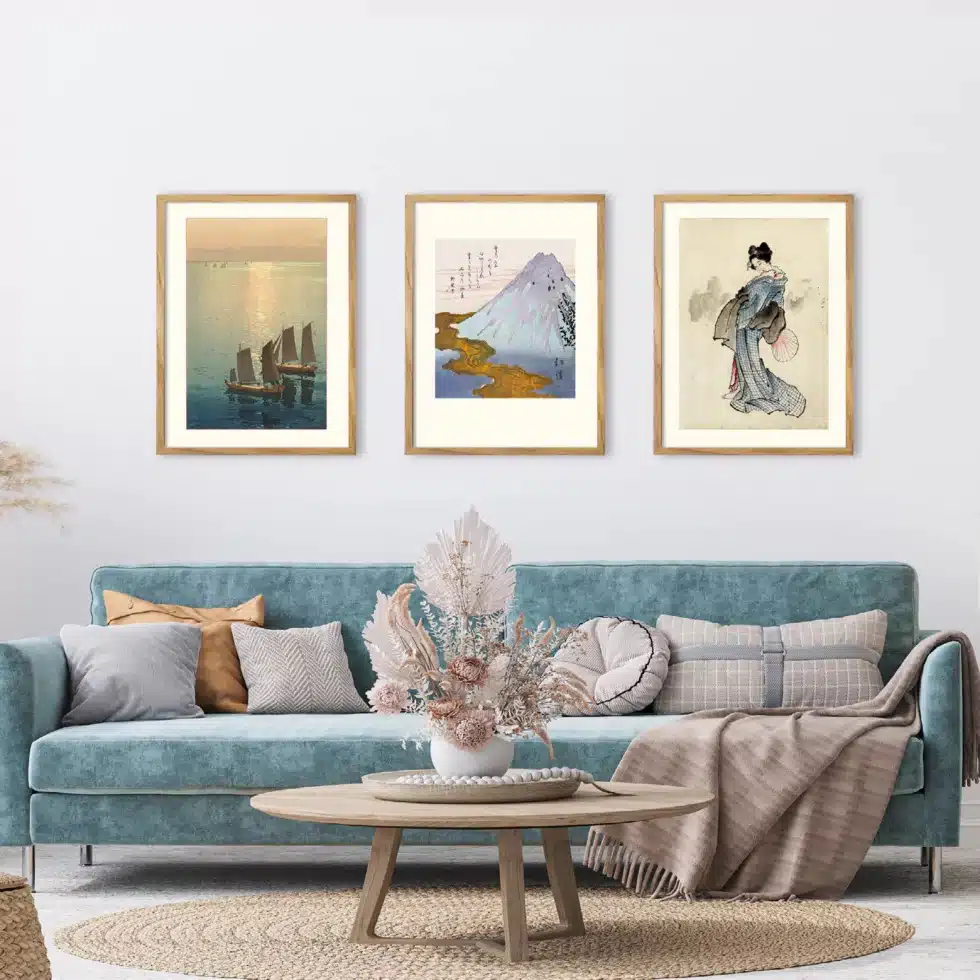
| 20” x 30” (50×76 cm) | Over a sofa, fireplace, or bed | Bold, eye-catching |
| 24” x 36” (60×90 cm) | Large walls, above a couch | Museum-style impact |
| 30” x 40” (76×100 cm) or bigger | Feature wall, staircases | Oversized, dramatic |

Pro Tip:
1. Smaller prints (8″x10″ to 16″x20″) (20×25 cm to 40×50 cm) work well in groups or framed on shelves.
2. Large prints (20″x30″ and bigger) make a strong visual impact as standalone art.
Large Wall Art vs. Gallery Walls ?
Note: for more information please click on “Art photos gallery or individually, how to present them?“
✅ Large Statement Piece (One big print)
- Ideal for minimalist or modern interiors.
- Works best above a sofa, bed, or fireplace.
- Suggested Size: 24” x 36” (60×90 cm) or bigger.
✅ Gallery Wall (Multiple Frames)
- A mix of small & medium-sized prints (e.g., 11”x14” to 16”x20” – 28×35 cm to 40×50 cm ).
- Can be symmetrical (grid layout) or eclectic (mixed sizes).
- Works great in hallways, staircases, or large blank walls.
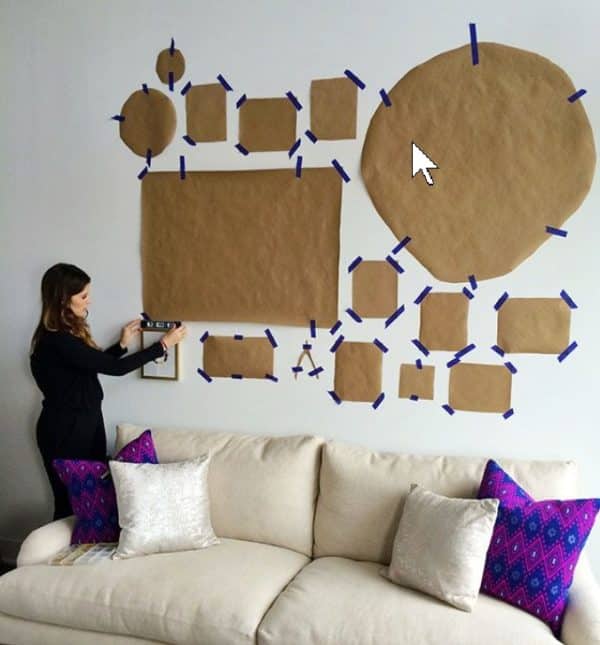
Pro Tip: Use paper templates to test different layouts before hanging your frames.
The Right File Format & Resolution, from a photographer point of view
✅ Use High-Resolution Files – Aim for 300 DPI (dots per inch) for best print quality.
✅ Best File Format – Save as TIFF or PNG (JPEG is fine for small prints but slightly compressed).
✅ Check Image Dimensions – Make sure your photo is large enough for your chosen print size.
Print Size Guide (Pixels Needed for 300 DPI Prints):
| Print Size | Recommended Pixels (W x H) |
|---|---|
| 8” x 10” (20×25 cm) | 2400 x 3000 px |
| 11” x 14” (28×35 cm) | 3300 x 4200 px |
| 16” x 20” (40×50 cm) | 4800 x 6000 px |
| 24” x 36” (60×90 cm) | 7200 x 10800 px |
How to Check Your Image Size:
1. Mac: Right-click → Get Info → Dimensions
2. Windows: Right-click → Properties → Details
3. If your image is too small, use AI upscaling .
Extra-large photos : Right File Format & Resolution, from the viewer’s perspective (Distance from the print)
For large-format fine art photos, maintaining the “standard” or nominal 300 DPI becomes difficult if not impossible. For example, a 100×100 cm (39“ x 39”) photo would need to be 11,700 x 11700 px – difficult for the photographer, and difficult to store for the 136,890,000 px byte “weight” of that photo. Since a 16 MB memory card can store 6,000,000 px, 20 memory cards would be needed to store this photo. But the solution lies elsewhere: for large photos, it’s not necessary to use a “standard” 300 DPI resolution to have beautiful photos. See above Image resolution and human perception.
| Distance | 25 cm | 50 cm | 100 cm | 200 cm | 400 cm |
| Visible detail | 0,075 mm | 0,15 mm | 0,30 mm | 0,60 mm | 1,2 mm |
| Resolution | 300 dpi | 150 dpi | 75 dpi | 40 dpi | 20 dpi |
Large photos: pixels and maximum print size of the HD digital photos?
As a consequence of the above, the 300 DPI résolution which is used to in photography for small pictures, is not necessary for all images that are more than 25 centimetres away from the surface of your retina. It is true for nice HD pictures hold by hand near your face should be a 300 DPI format, but there is no need for large prints hanging in rooms, stair cases or else, several meters from the observer. At distance, they will even appear better than a 300 DPI picture 25 cm from your eyes if the large photos sizes is correctly chosen.
The question here is, if you have a picture of X by Y pixels, what is the maximum size high quality photo you can get ? Here is the calculation formulae :
(Size in pixels / 100) x 2 = maximum size in cm
For exemple, for a photo of 4000 px in width and 3000 px in height :
- 4000 / 100 x 2 = 80 cm
- 3000 / 100 x 2 = 60 cm
The maximum reasonable print size of your file (without specific interpolation such as AI) will therefore be 80×60 cm, i.e. an enlargement of 240%.
Recommended pixel size depending on the print size you want to get
When you shoot a picture, you can know in advance which maximum photo size you will get :
| Desired print size | 10x15cm | 18x24cm | 24x30cm | 30x40cm | 40x50cm | 50x60cm |
| Recommended pixel size | 1181×1772 | 2126×2835 | 2835×3543 | 3543×4724 | 4724×5906 | 5906×7087 |
| Recommended weight in MB | 6,3 M (rvb) | 18 M (rvb) | 30 M (rvb) | 50 M (rvb) | 84 M (rvb) | 126 M (rvb) |
Sufficient resolution for remote images
Necessary and sufficient (or “optimal”) resolution is intended for prints that are viewed from a distance. The further away an image is viewed, the lower its resolution has to be. It will be halved every time the viewing distance is doubled. But note This is only valid for images that do not contain small text and details that need to be readable at close range.
| Distance | 25 cm | 50 cm | 100 cm | 200 cm | 400 cm |
| Resolution | 300 dpi | 150 dpi | 75 dpi | 40 dpi | 20 dpi |
Lighten image weight with photo format
Certain photo recording formats can be used to reduce the “byte weight” of an image. In the case of consumer digital cameras, there are generally two such formats.
- The first and most common is Jpeg format. Depending on the degree of compression, this can reduce image weight by between 75 and 99.9%. This compression is known as destructive. The more you compress, the more you lose in quality. But the more photos you store on your memory card. This format is best used for publishing images on a website.
- The second recording format is Tiff. Thanks to the compression algorithm used, there is no loss of data. But the image weight is much heavier. This format is preferable for cropping, correcting, printing or archiving. In such cases, it’s better to sacrifice quantity for quality.
Before printing HD digital photos
Before printing, it’s important to optimize your HD photos for sharpness, color accuracy, and size. Follow these steps to ensure your prints look professional and high-quality.
Adjust Brightness & Contrast ?
Best Tools:
- Adobe Lightroom / Photoshop (Pro-Level)
- Snapseed / Canva (Beginner-Friendly)
- Increase Brightness slightly if your image is too dark.
- Adjust Contrast to make details pop.
- Use Curves or Levels (Photoshop/Lightroom) to fine-tune highlights & shadows.
Pro Tip: Overexposed photos lose details—keep highlights balanced!
Color Correction for Accurate Prints ?
Best Tools: Lightroom, Photoshop, Snapseed
- Fix White Balance → Makes sure whites are truly white (not yellow/blue).
- Boost Vibrance (not Saturation) → Vibrance enhances muted colors without overdoing it.
- Check Skin Tones → Use the HSL panel in Lightroom to adjust redness/yellowness.
- Use Soft Color Grading → Adds a subtle cinematic look for professional results.
Pro Tip: Screens show colors differently—calibrate your monitor or soft-proof in CMYK mode (Photoshop) for accurate prints!
Sharpen the Image for Printing HD digital photos?
Best Tools: Photoshop, Topaz Sharpen AI, Lightroom
✅ Use Unsharp Mask (Photoshop) → Filter > Sharpen > Unsharp Mask
- Amount: 50–150%
- Radius: 1–2 pixels
- Threshold: 3–5
✅ Use High Pass Filter (Advanced) → Adds sharpness without noise.
✅ AI Sharpening (Best for Blurry Images) → Use Topaz Sharpen AI for detailed recovery.
Pro Tip: Don’t oversharpen—it can create halos around objects.
Upscale Small Images Without Losing Quality ?
If your photo is too small for large prints, use AI upscaling:
Best Tools for AI Upscaling:
✅ Topaz Gigapixel AI → Best for high-detail upscaling
✅ Let’s Enhance (Online) → Easy and beginner-friendly
✅ Photoshop Super Resolution → Good for moderate upscaling
Pro Tip: Upscale 2x or 4x max—too much can make it look artificial.
Convert to CMYK for Print Accuracy ?
✅ Why? Printers use CMYK (Cyan, Magenta, Yellow, Black) instead of RGB (screen colors).
✅ How? In Photoshop → Edit > Convert to Profile > CMYK.
✅ Soft-Proofing: View how your colors will print before sending to the printer.
Pro Tip: If using a printing service, check their color profile requirements before converting!
Save the Final Image for Printing ?
✅ Best File Format: TIFF or PNG for highest quality (JPEG for small prints only).
✅ Color Mode: CMYK (for professional printers), sRGB (for online printing).
✅ Resolution: 300 DPI (Do not use 72 DPI—it’s for screens only!).
Pro Tip: Always save a backup copy in case you need to make edits later!
Final Checklist Before Printing ✅
✔️ Image size is correct for print dimensions
✔️ Brightness, contrast, and colors are balanced
✔️ Image is sharpened, but not overdone
✔️ Converted to CMYK (if required by your printer)
✔️ Saved in TIFF or PNG at 300 DPI
2. Displaying HD Digital Photos on screens
- On Digital Frames → Use smart digital frames like Samsung The Frame or Nixplay to showcase your photos dynamically.
- As a TV Screensaver → Set your TV to display a slideshow of HD images when idle.
- As Desktop & Phone Wallpapers → Crop and adjust HD images to fit screens beautifully.
- Smart Home Displays → Show photos on Google Nest Hub, Amazon Echo Show, or iPads.
Choice of the number of pixels of the photo to be viewed on screen and ppi (Pixels per inch)
The “quality” of a digital displaying device is expressed in ppi (Pixels per inch). It’s equivalent to a print resolution (in DPI).

When viewing photos on a screen, it is not necessary for the image to have more pixels than the screen resolution (as a guide, for a 1920 × 1080 resolution screen and a Full HD TV, that’s 2.07 Mpx) if you don’t zoom in. If the image has more pixels than the screen, you will see only a part of the image at once. To see different parts of the image, it is then necessary to move the viewing area. If, on the other hand, the picture has fewer pixels than the screen, it will either not fill the screen (as in the case of preserving the picture’s DPI), or it will be displayed full-screen, with a loss of quality due to the drop in image resolution caused by the enlargement of each of its pixels.
Digital Frames (for dynamic slideshows)
- Best Overall: Samsung The Frame (looks like real framed art)
- Best Smart Frame: Nixplay Smart Photo Frame
- Best Budget: Aura Mason (great for family albums)
Wall Projection (for futuristic displays)
- Use XGIMI Horizon Pro 4K or Epson Home Cinema 5050UB to project your HD photos on a wall.
TV Screensaver Display
When we move away from an image, the eye no longer distinguishes two pixels side by side but sees a continuous gradation, hence the perception of a sharp image. As a general rule, people stand further away from a large TV than from a small one, so resolution (in PPI) may be lower.
Example of televisions and monitors on the market:
- A 37-inch (940 mm) diagonal television with a 1920 × 1080 definition has a DPI of 60 in width and height, 1080 pixels / (46 cm / 2.54 cm) = 60 DPI.
- The DPI of a 50-inch (1270 mm) screen (1920 × 1080) will drop to 44 DPI as the TV will be viewed from a greater distance and therefore the quality of the screen for the human eyes will as good as before.
- A 17-inch (430 mm) monitor (1280 × 1024) has a DPI of 96 and a 19-inch (480 mm) monitor has a DPI of 87 for the same opposite reason.
- Upload to Apple TV, Fire TV, or Google Chromecast to use as a slideshow on your TV.
Pro Tip: Convert photos to 16:9 aspect ratio for better TV or digital frame display.
3. Editing & Enhancing HD digital Photos
- Free Editing Tools: Canva, Snapseed, Pixlr
- Advanced Editing: Adobe Photoshop, Lightroom
- AI Tools for Enhancements: Upscale, remove noise, or color-correct with AI-based apps like Topaz Gigapixel AI.
- Resize Without Losing Quality → Use AI upscalers to make images larger while keeping sharpness.
Best Editing & Enhancement Tools ?
For Easy Editing (Beginner-Friendly):
- Canva (Free & great for social media graphics)
- Snapseed (Best free mobile app)
- Pixlr (Online editor with AI filters)
For Professional Editing:
- Adobe Photoshop (Best for detailed retouching)
- Adobe Lightroom (Best for color correction & enhancement)
- Luminar Neo (AI-powered, perfect for sky replacement & portrait retouching)
For AI Upscaling (Making Photos Sharper & Bigger):
- Topaz Gigapixel AI (Best for enlarging photos without losing quality)
- Let’s Enhance (Online AI upscaler, good for quick results)
Pro Tip: If printing large photos, upscale them using Topaz Gigapixel AI before sending them to print.
4. Sharing HD digital Photos Online
Social Media Uploads
- Use Instagram & Facebook’s highest quality settings to avoid compression.
- Post on Flickr or 500px for high-resolution sharing.
- Upload to Google Photos or Dropbox for easy cloud storage and sharing.
NFT & Digital Art Selling
- Convert HD photos into NFTs for platforms like OpenSea.
- Sell high-quality stock images on Shutterstock, Adobe Stock, or Unsplash.
Best Platforms for Sharing & Selling HD Photos ?
For Sharing with Family & Friends:
- Google Photos (Best for free unlimited backup)
- Flickr (Great for high-res albums)
- Dropbox (Good for private sharing in full quality)
For Selling as Art or Stock Photos:
- Adobe Stock (Best for commercial photographers)
- Shutterstock (Best for earning royalties)
- Etsy (Sell prints of your HD photos)
Pro Tip: If selling, watermark your photos before uploading to prevent theft.
5. Using HD Photos for Creative Projects
- Turn Photos into Videos – Use tools like Adobe Premiere Pro or InShot to create photo slideshows.
- Convert to AI-Generated Art – Use AI tools to stylize photos into paintings or animations.
- Create Virtual Tours – Use panoramic HD photos in 360° apps for VR experiences.